

I genuinely love working with junior business analysts.
There is something refreshing about their curiosity, energy, and willingness to learn.
Recently, I had the pleasure of working closely with a group of junior analysts during a training program called “Lihen”. Watching their progress reinforced an important truth: growth is not only about experience, but about how fast you learn and how well you adapt.
AI has become a powerful part of that journey.
Used correctly, it can accelerate learning and productivity.
Used incorrectly, it can slow you down — or even damage trust with developers and stakeholders.
Based on my recent experience, here are three common mistakes junior business analysts make when working with AI.
1. Vague Requirements and Too Much Information
Generating text with AI is one of the easiest things in the world.
But for a business analyst, this can quickly become dangerous.
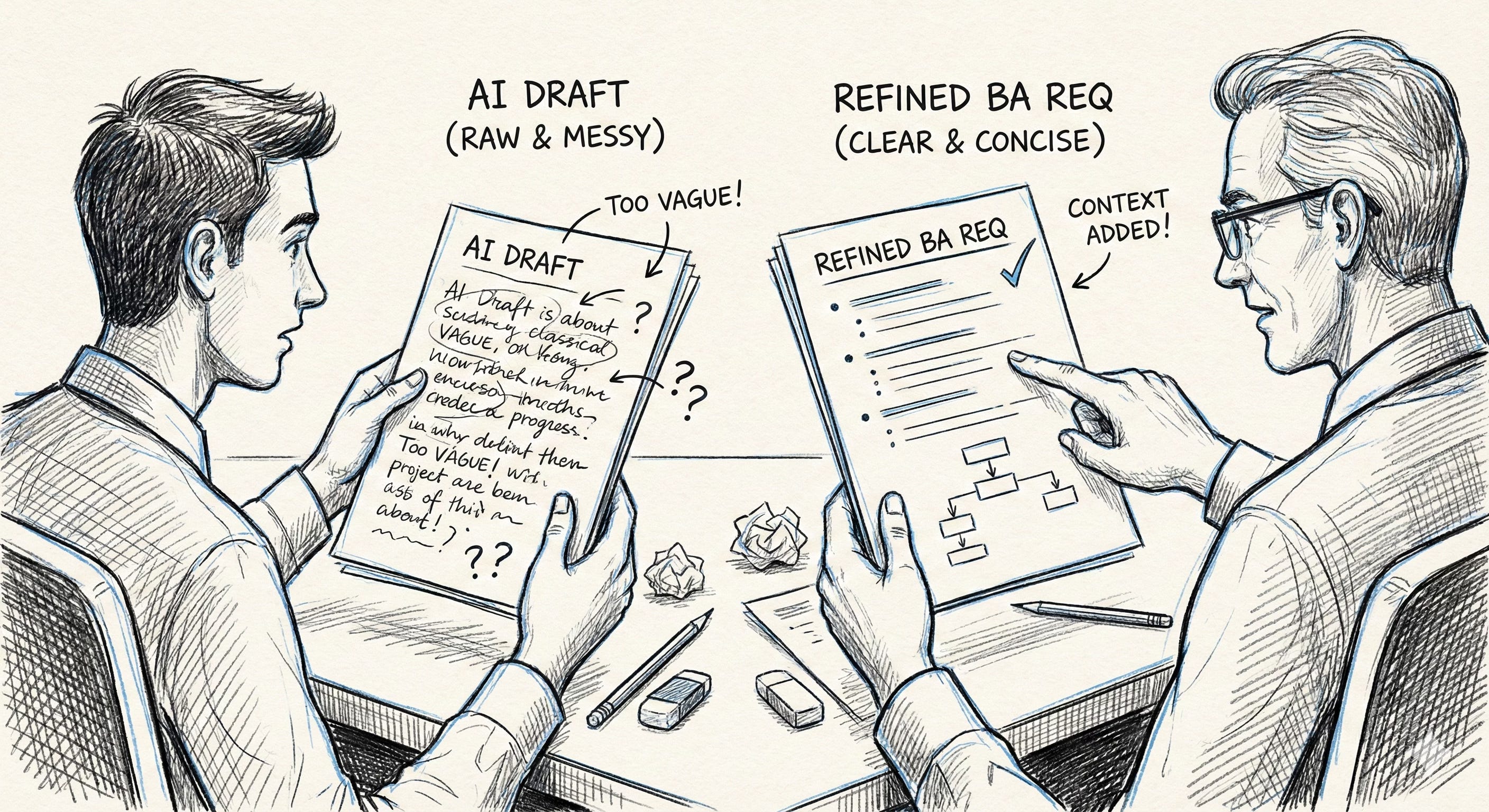
During training, I noticed that many junior analysts rely heavily on AI-generated outputs and copy them almost verbatim into requirements. The result is long, repetitive descriptions that say the same thing in slightly different ways.
Developers then have to read through a wall of text just to understand a very simple requirement.
Example
AI-generated requirement (problematic):
The system should allow the user to enter a value into a field which represents the customer reference. This reference is important for identifying the customer and should be visible to the user in the interface. The field should allow input and be displayed accordingly so that users can recognize the customer reference.
Improved BA requirement:
Add a mandatory “Customer Reference” text field to the user profile screen.
The field must be editable and visible to all users with role XXX.
Short. Clear. Actionable.
During training, I always emphasized one rule:
AI output is a draft, not a final deliverable.
After executing a prompt, you must review, simplify, and refine the text. If the result is too vague, too broad, or too verbose, either:
run a more specific prompt, or
manually edit the output.
The goal is simple: clear requirements, as short as possible.
Nobody wants to read a small novel just to implement a new field on one screen with no significant logic behind it.
2. Not Understanding (or Not Documenting) the Context
Another common mistake is not fully understanding — or not clearly documenting — the context of the problem.
A business analyst’s job is not just to write down what the business user says. Your role is to analyze, challenge, and anticipate impact.
Many junior analysts skip proper impact analysis. They focus only on the immediate request and forget to consider:
reporting impacts,
legal or compliance constraints,
dependencies with other systems,
effects on other users or departments.
Example
A business user says:
“We need to hide this field from the user screen.”
A junior analyst writes the requirement exactly as stated.
A more mature BA approach would ask:
Is this field used in reports?
Is it required for audits or legal purposes?
Is it still needed by another department?
What happens to historical data?
Context matters.
Before stakeholder interviews, always think in terms of impact analysis (or even run an AI prompt for it):
Who is affected?
Which systems are touched?
What could break?
If something is unclear, plan follow-ups before meeting developers. The worst situation is when a developer asks a simple question and the answer is:
“I don’t know, I need to ask.”
One core part of the BA role is anticipation. You are expected to predict questions, not react to them.
3. Poor Documentation (Especially Meeting Minutes)
Documentation is not limited to formal specifications.
Meeting minutes are documentation too.
One recurring issue — not only in training but in real projects — is that meeting minutes are either:
not written at all, or
far too long and useless.
It’s very common that two people leave the same meeting with two completely different understandings. That’s why sending out meeting minutes is essential. Meeting minutes are critical for capturing agreements, decisions, and outcomes — and later in the development lifecycle they often explain why a certain decision was made.
This context becomes extremely valuable weeks or months later, when someone challenges a requirement and nobody remembers the original reasoning.
Today, AI tools can automatically generate meeting minutes, which is great. But automation does not remove responsibility.
Example
Bad meeting minutes:
three pages of discussion
repeated arguments
no clear decisions
no next steps
Good meeting minutes:
Decision: Field X will be removed from Screen Y
Agreement: Finance confirmed there is no reporting dependency
Risk: Audit impact to be validated
Next step: BA to follow up with Compliance by Friday
Sometimes one sentence is enough if it captures the essence of the meeting.
If you use AI for meeting minutes, make sure you are not sending out the next Harry Potter novel.
Minutes must be short and straight to the point — no unnecessary filler, no “bullshitting around” because someone didn’t know the answer.
Final Thoughts: How Junior Business Analysts Can Use AI the Right Way
AI is becoming a standard tool for business analysts — but tools alone do not make you better at your job. The difference between a junior and a strong business analyst is not whether AI is used, but how it is used.
The most common mistakes junior business analysts make with AI are:
producing vague, overly long requirements,
missing context and impact across systems and teams,
and neglecting clear, concise documentation such as meeting minutes.
These issues are not technical problems. They are business analysis fundamentals — and AI only amplifies them, for better or worse.
Don’t feel like reading? Listen to this podcast and discover the 3 biggest AI mistakes junior analysts keep making — and how to avoid them. https://www.analystharbor.online/p/deep-dive-why-ai-puts-bad-analysts